Your LinkedIn profile picture is working right now, while you sleep. It is the first thing a recruiter sees before they read a single word of your resume. It is what a potential client clicks before agreeing to a call. And for remote workers, it is often the only visual impression you will ever make on someone before they decide whether to engage with you at all. So it matters. A lot.
Key Takeaway: For remote professionals, a weak or missing profile photo is a silent liability. The traditional path to fixing it, involving studio bookings, travel time, and multi-day delivery waits, carries exactly the kind of scheduling friction that remote workers spend their careers trying to eliminate. Browser-based AI tools now offer a genuinely comparable alternative: upload a clear selfie and walk away with a polished, professional-looking portrait in minutes, with no appointment and no turnaround time.
The problem is not that people do not know their headshot matters. The problem is everything standing between them and actually getting a good one.
Why the Traditional Headshot Process Breaks Down for Remote Workers
The conventional route goes something like this. You find a local photographer who offers corporate portraits. You check availability, which typically runs one to three weeks out. You book a session, carve a few hours from your schedule, commute to the studio, spend thirty minutes in front of a light panel trying to look naturally confident, and then wait several additional days for edited files to arrive in your inbox.
By the time the new photo is live on your profile, the whole process has consumed the better part of a week. Sometimes more.
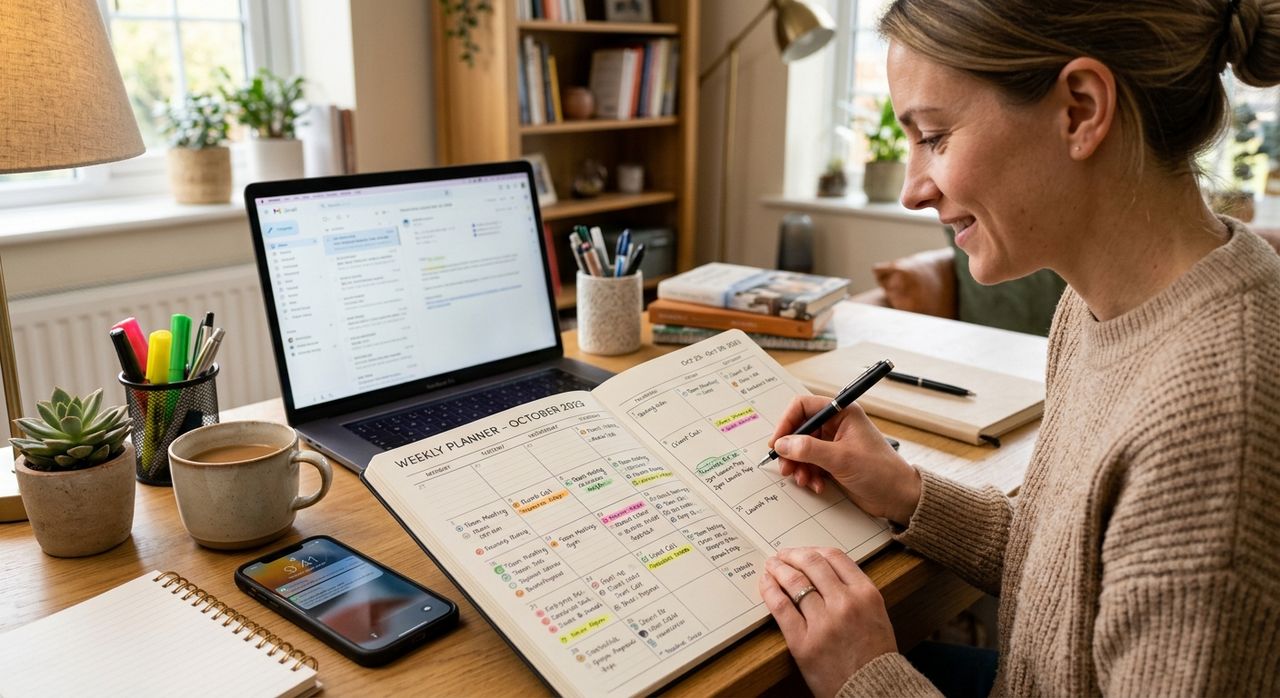
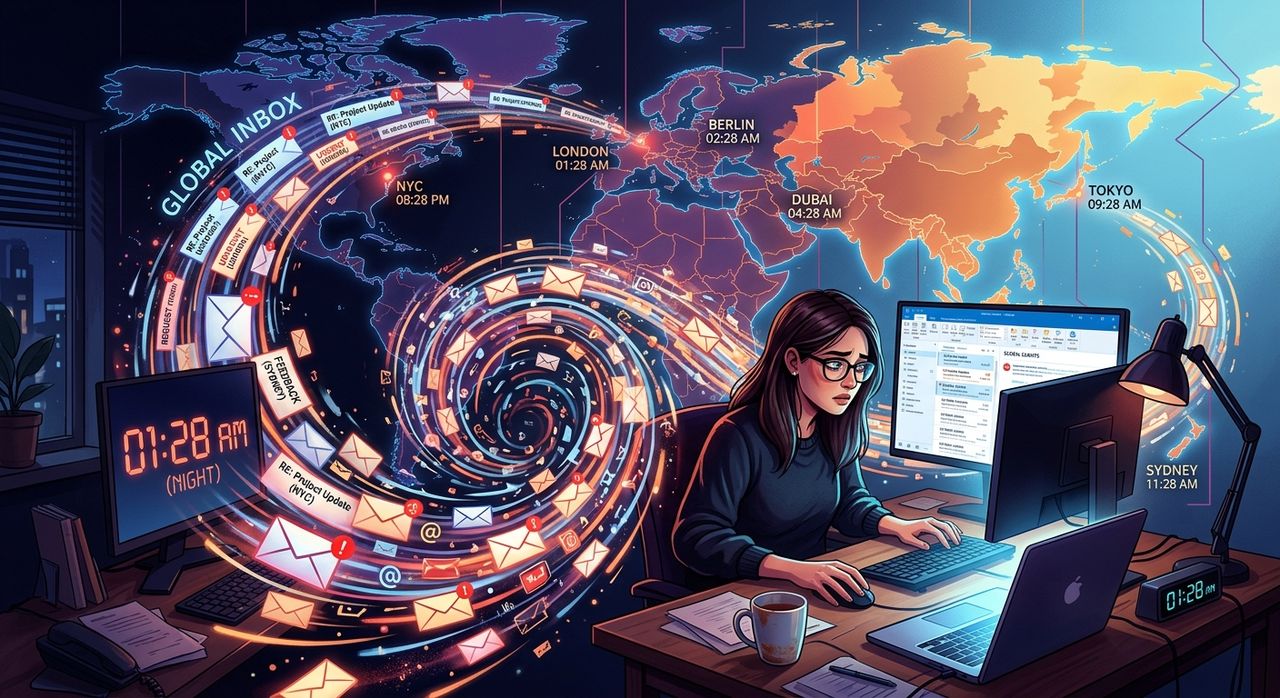
For office workers with regular commute patterns and fixed local schedules, this overhead is manageable, if inconvenient. For remote workers already juggling asynchronous communication across multiple time zones, coordinating video calls at odd hours, and compressing productivity into fragmented windows, blocking out a half-day for a studio visit is a meaningful sacrifice. It requires the kind of contiguous, location-specific availability that remote work is specifically designed to eliminate.
This is not a criticism of photographers. A skilled portrait photographer brings real expertise in lighting, posing direction, and expression coaching. But the infrastructure around them, the booking system, the geographic constraint, the waiting period, is friction that remote professionals have been trained to recognize and cut.
What Your Profile Photo Is Actually Doing
Before considering the solution, it helps to understand precisely what job a headshot is performing.
Portrait photography has always been about communicating character and credibility at a glance. In a professional context, your photo signals whether you take your presentation seriously, whether you are approachable, and whether you are operating at a certain level of professionalism. These are not shallow assessments. They are fast, instinctive reads that happen in under a second.
For remote workers, this signal carries extra weight because the in-person channels that might soften a poor visual impression simply do not exist. In an office environment, a mediocre photo can be offset by a firm handshake and a clear introduction. In a remote context, your profile photo precedes every interaction. It does the work of a first meeting before you have typed a single word.
A blurry snapshot, an obviously cropped social photo, or a portrait that is several professional chapters out of date does not just fail to impress. It quietly works against you by suggesting a gap between how seriously you take your work and how seriously you take your presentation.
The Scheduling Cost Nobody Talks About
There is a second, harder-to-measure cost of studio friction worth naming: the number of people who skip the process entirely because it feels like too much effort.
Their profiles sit for months or years with no photo at all, a cropped image from a friend's wedding, or a shot taken two or three roles ago. None of these options are neutral. A missing photo signals unavailability. An outdated one signals inattention.
Remote workers tend to be rigorous about the tools and systems in their professional lives. They optimize calendar management, communication workflows, and project delivery pipelines. But they often tolerate a weak profile photo simply because updating it requires stepping entirely outside the digital environment where they spend their working hours.
The studio headshot asks you to show up somewhere physical, at a specific time, and wait for results to be delivered back to you later. That model belongs to a professional workflow built around geographic presence. For people who have structured their entire career around not being tethered to a location, it is an awkward fit.
A Studio Session That Lives in Your Browser
This is where the calculation changes.
An AI headshot generator runs entirely in the browser. There is nothing to download, no account to create, and no appointment to schedule. You upload a clear photo of yourself, select a style or background treatment, and the tool processes the image into a polished, professionally framed portrait in a matter of minutes. The output is suitable for LinkedIn profiles, company directories, speaker bios, client proposals, and any other professional context where a headshot normally lives.
The experience is functionally equivalent to a studio session, except it happens on your laptop, in whatever window of time you have available, anywhere you happen to be working that day.
For someone managing a schedule that stretches across time zones, that distinction is not a minor convenience upgrade. It is the difference between a task that gets done and one that sits on the to-do list indefinitely.
No Booking, No Travel, No Waiting
The zero-friction nature of browser-based AI tools is their defining characteristic. There is no calendar slot to find, no commute to factor in, and no file delivery to wait on. From opening the browser tab to having a downloadable image file, the entire process can fit inside a lunch break.
That kind of instant availability matches how remote professionals already expect their software to work.
What to Expect from an AI Headshot Session
If you have not used one of these tools before, here is what a typical session actually involves:
- You upload a source photo of yourself, ideally a clear, forward-facing shot with decent lighting and a relatively uncluttered background
- The AI processes the image, adjusting lighting, replacing the background with a professional setting, and refining the overall framing
- You preview the result and, in most cases, can select from multiple style variations before downloading
- The final file arrives immediately, ready to upload to any professional platform
The quality of the output depends significantly on the quality of the source image. A sharp, well-lit input produces a noticeably stronger result than a grainy or heavily shadowed one. But the tool handles the visual heavy lifting, including background removal, lighting correction, and composition, that would otherwise require a photographer and a studio setup.
Choosing a Source Photo That Will Actually Work
Taking a few minutes to select or shoot a good input photo makes a real difference in the final result. A few things that consistently improve outcomes:
- Natural light from a nearby window often outperforms artificial overhead lighting, which tends to cast shadows under the eyes and chin
- A plain or uncluttered background helps the AI accurately identify your face and produces a cleaner, more polished output
- Face the camera directly, since most tools are optimized for front-facing portraits rather than angled or three-quarter shots
- Wear solid-colored clothing rather than bold patterns close to your face, as complex patterns can interfere with edge detection
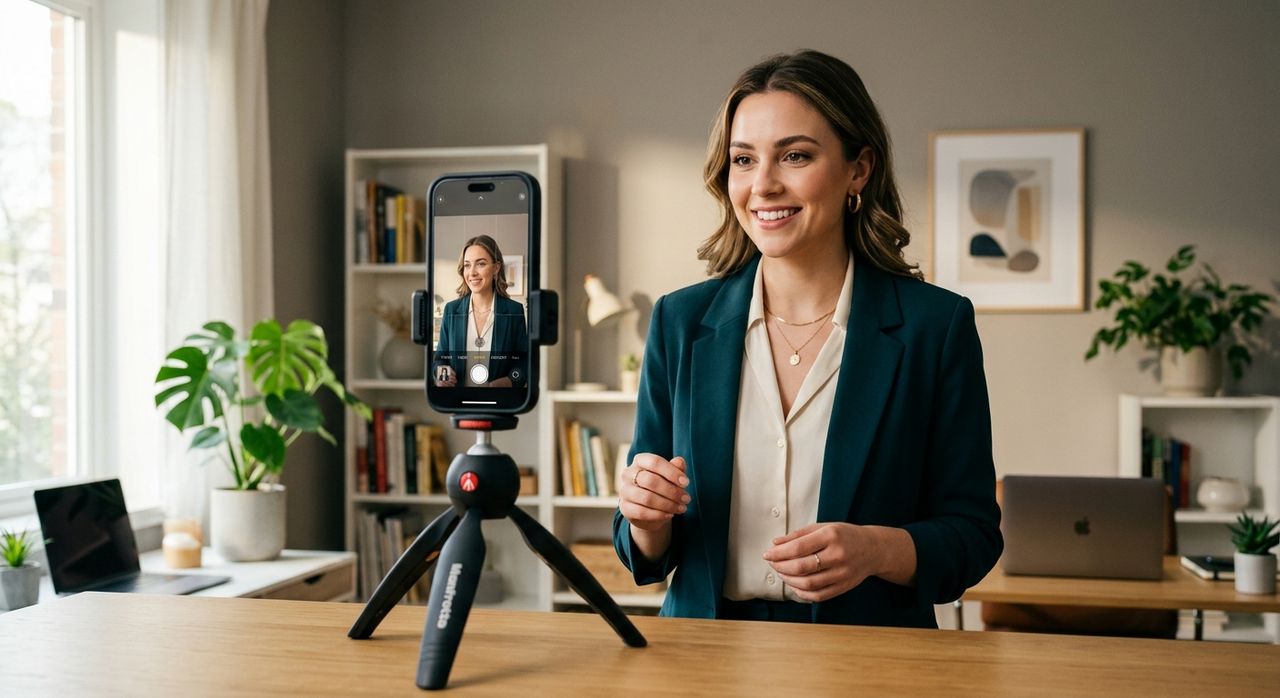
You do not need a dedicated camera. Most current smartphones produce images sharp enough to serve as effective source material. Lighting and a steady hand matter more than hardware.
Where a Professional Photo Works the Hardest
A polished headshot is not only for LinkedIn. Remote workers often need a credible portrait in more places than they initially consider.
Company directories matter significantly in distributed teams where colleagues may never meet in person. A clear, professional photo makes remote employees feel less abstract to their teammates and managers. Client-facing proposals carry more authority when a real face accompanies the name and title on the cover page. Speaker profiles for webinars, virtual panels, and podcast appearances need something more considered than a casual selfie.
In each of these contexts, a well-produced portrait delivers the same message: this professional has thought carefully about how they show up, even in spaces that cannot see them in person.
The Studio Was Always an Optional Step
The full professional headshot session is not obsolete. For executives with formal photography requirements, performers, or anyone who wants the complete experience of working with a skilled photographer, that process still offers distinct value.
But for the growing population of professionals who work remotely, operate across time zones, and live inside digital workflows, the studio model introduced friction that was never strictly necessary. The tools to sidestep that friction now exist in the browser, require no scheduling, and produce results that hold up in every professional context where a headshot is expected to matter.
If you have been postponing your profile photo update because the traditional route felt like too much overhead, the overhead has largely been removed. The session that fits your calendar, the way your calendar actually works, is already waiting in a browser tab.