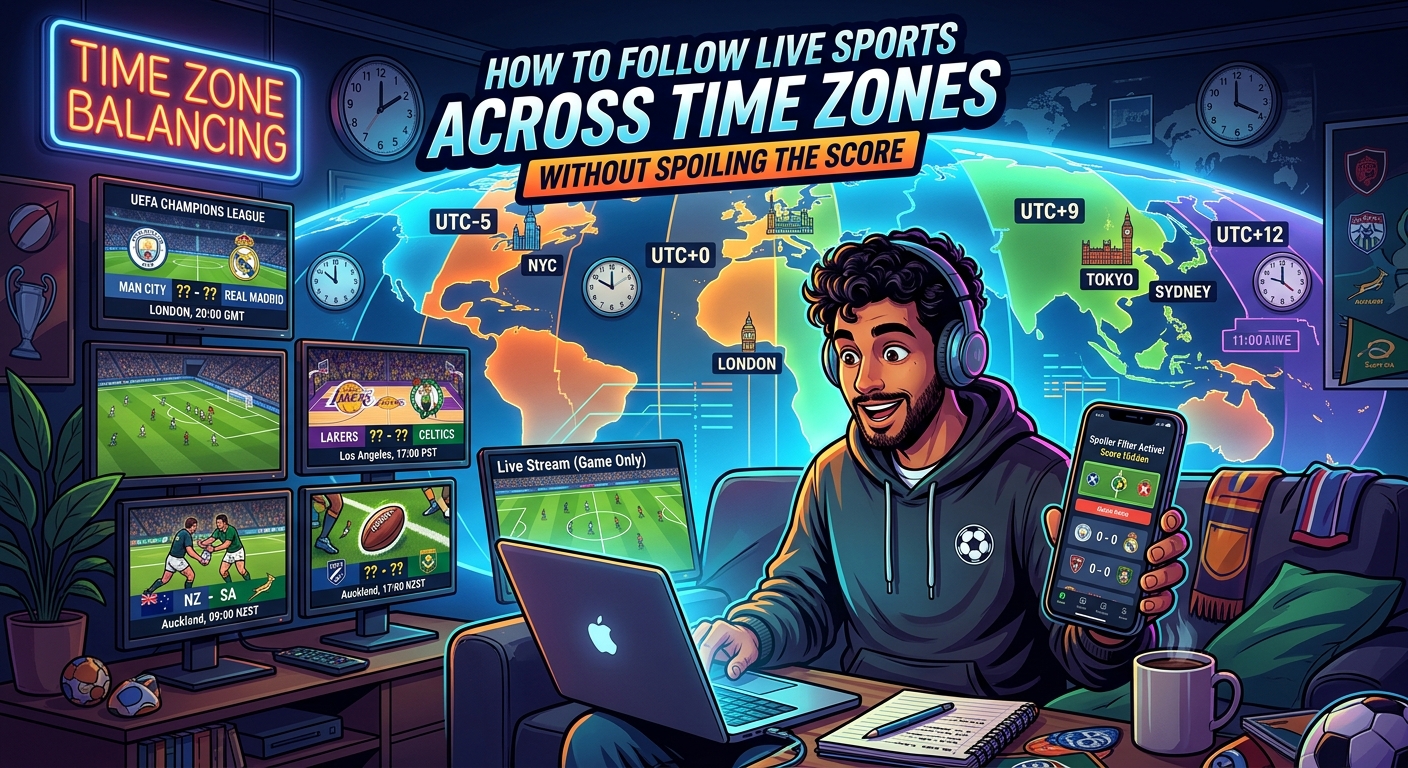
Your phone celebrates a goal before the striker has even received the ball on your screen. Across the group chat, a friend is cheering. Another is still looking for the broadcast. You stayed up past midnight for this match, and a notification has stolen its biggest moment. Following sport across time zones takes more than finding the right channel. You need the right local start time, a shared viewing plan, and a little control over what reaches your screen.
Your Spoiler-Free Match Plan
- Convert kickoff using the match date and each viewer’s city.
- Check daylight saving changes before sending the watch party invitation.
- Mute score alerts and agree on a shared viewing pace.
Start With the Fixture’s Actual Time Zone
A listing that says “Saturday, 8:00 PM” leaves a lot unanswered. Is that the stadium’s local time? The broadcaster’s time? Your own time, detected automatically by the website? Before doing any conversion, identify which location or time zone the fixture uses.
Start with the competition’s official schedule or the team’s fixture announcement. Read the labels around the time. Some schedules display every match in the competition’s home time zone. Others adjust to your device settings. A travel booking, borrowed laptop, or outdated phone setting can make that automatic adjustment misleading.
Also check what the listed time describes. Coverage may begin with an hour of studio discussion. Kickoff, tipoff, the opening serve, and the start of a broadcast are different appointments. For a watch party, record the scheduled start of play, then choose an earlier gathering time separately.
Write down the full date, start time, and source time zone before moving on. “Saturday, 12 June, 20:00, stadium local time” is a useful starting point. “Saturday night” becomes confusing as soon as friends live on different continents.
Convert the Date Along With the Hour
Use a time zone converter that accepts a specific date and named cities. Enter the fixture’s location, its scheduled date, and its start time. Then add your city and the cities where your friends will watch. The date matters because a city’s offset can change during the year.
A world clock tells you what time it is somewhere now. That is useful for checking whether a friend is awake. For a match several weeks away, use a date-aware converter instead. Today’s difference between two cities may not match the difference on match day.
If you calculate manually, first translate the source time into UTC, then apply the destination’s offset for that date. Keep track of any change of day. A result later than 23:59 belongs to the following date. A result before 00:00 belongs to the previous date.
One Kickoff, Four Local Appointments
This example assumes a fixture scheduled for 18:00 UTC on 15 January 2026. Notice how the same match falls on different calendar dates.
| Viewer’s City | Local Start Time | Local Date |
|---|---|---|
| London | 18:00 | 15 January 2026 |
| New York | 13:00 | 15 January 2026 |
| New Delhi | 23:30 | 15 January 2026 |
| Sydney | 05:00 | 16 January 2026 |
For the Sydney viewer, this is a Friday morning appointment. That affects the alarm, bedtime, and workday that follows. Always share the local date beside the local hour, especially for overnight fixtures.
Check Daylight Saving Before Trusting a Familiar Gap
It is tempting to memorize a time difference and use it for the whole season. That habit can cost you the opening minutes. Some locations change their clocks seasonally. Others keep the same offset throughout the year. Locations that change clocks may also do it on different dates.
Official explanations of seasonal clock changes show why standard time and daylight time need separate attention. A familiar city pair can temporarily have a different gap while one location has changed its clocks and the other has not.
Use the city name in your converter instead of relying on a remembered abbreviation. Abbreviations can be ambiguous, and a standard-time label may be wrong for a summer fixture. A date-aware city selection gives the tool the information needed to apply local clock rules.
Check the conversion when you first arrange the party, then check again shortly before the match. For a recurring weekly gathering, review each fixture’s date rather than copying the previous invitation. If someone is traveling, convert for where they will actually watch.
Understand Why the Score Can Arrive Before the Picture
Getting everyone online at the correct hour does not guarantee that everyone sees the same moment. A broadcast passes through production, distribution, and playback systems before reaching your screen. Streaming adds its own buffering. Two people using the same service can still have different viewing delays.
Score updates follow a separate route. Event reporting, verification, and delivery affect when an alert arrives. Understanding live score delays helps explain why an app and a broadcast can fall out of sync. A score update may lag behind the action at the venue yet still reach your phone before that action reaches your television.
This means an alert can be accurate and still ruin the suspense. There is no dependable rule that every score app is faster, or that every broadcast is slower. The relationship can change with the service, device, connection, and individual event.
For spoiler prevention, treat anything outside your chosen broadcast as a possible source of advance information. That includes a smartwatch vibration, a browser notification, a fantasy sports update, and an excited message from a friend.
Set Notifications for the Match You Are Actually Watching
Adjust alerts before opening the stream. In your sports apps, disable goal, score, result, and breaking-news notifications for the match. If the app separates fixture reminders from score alerts, keep a start reminder only if its wording does not reveal live information.
A delayed notification setting can help if your app offers one, but a fixed delay cannot guarantee spoiler protection. Your stream might fall farther behind after buffering or a pause. Muting score alerts for the viewing period is more dependable.
Check every device that shares notifications. Silencing your phone may leave your watch buzzing. Your laptop browser may display a score in the corner. Lock-screen previews can expose a result even when you never open the app.
A focus or do-not-disturb mode can reduce interruptions, provided its exceptions are set correctly. Allow the calls you need, then check whether sports apps and group chats remain permitted. Perform this check before kickoff, while a test notification cannot spoil anything.
If you are watching a replay, keep these settings active until you finish. A scheduled focus mode that ends at the original final whistle will not protect someone starting the recording three hours later.
Give Your Watch Party a Shared Start and a Shared Pace
A useful invitation separates the gathering from the match. Friends can join a call 15 minutes before play, check their streams, and settle in. That small buffer prevents the opening action from becoming a round of password resets and audio troubleshooting.
Use this sequence when arranging the session:
- Confirm the fixture’s date, scheduled start, and source time zone.
- Convert that appointment for each viewer’s city and check the local dates.
- Create a calendar event with an explicit event time zone and a separate gathering time.
- Ask each guest to check that the invitation displays the expected local time.
- Agree on notification settings, stream alignment, and chat rules before play begins.
Calendar invitations reduce repeated mental arithmetic, but guests should still inspect them. An incorrect device time zone can produce a misleading display. Include a plain-language note with the match date and local times for your group as a cross-check.
Once everyone has a picture, compare the broadcast’s match clock where one is available. Ask people to report the time shown, without describing the action. Viewers who are ahead can pause briefly until the group is closer together.
For sports without a continuous clock, agree on a neutral visual cue before anything decisive happens. A shared watch feature may help if your service provides one. Manual alignment depends on whether each stream allows pausing and resuming.
Alignment will not stay perfect forever. Buffering, an accidental pause, or a return to the live edge can separate viewers again. Agree that anyone who falls behind will ask for a pause in reactions while the group resets.
Keep the Chat Safe for Every Viewer
A spoiler does not need to include the score. “What a finish!” reveals that something dramatic has happened. A gasp over a voice call can do the same. Ask everyone to hold reactions until the slowest viewer has reached the moment.
If syncing is impossible, keep match reactions out of the shared chat. Use the call for conversation during breaks, or agree to discuss the action after everyone finishes. Anyone following a faster feed should avoid giving hints or asking leading questions.
Protect replay viewers separately. Give them a conversation where results stay off limits until they confirm they have finished. Be careful with images, chat titles, and thumbnails too. Those can reveal a winner before someone reads a single message.
Make the Late Kickoff Fit Your Real Life
A match that starts at 02:00 needs a different plan from one that starts after dinner. Include the likely viewing duration, possible extra time, and a little time to settle afterward. An alarm for kickoff solves only the beginning of the night.
Decide beforehand whether staying awake fits your next day. If it does, prepare the stream and reminders early. If it does not, arrange a replay session and keep alerts muted from the original start until your viewing ends.
For friends spread across continents, rotate which fixtures become live gatherings. One person should not always carry the overnight burden. Some matches can be shared live. Others can become a later conversation once everyone has watched.
Let the Match Deliver Its Own Surprises
The best setup is ready before the first whistle. You know the correct local date. Your calendar agrees with the fixture. Friends have a gathering time and a plan for different stream speeds. Score alerts are quiet.
That preparation gives you room to enjoy the uncertainty that brought you to the match. Whether you are watching over breakfast, after work, or in the middle of the night, the next big moment can arrive through the broadcast, with everyone ready to experience it.